Integration
Lightpath OS × Advatek PixLite® Mk3
Discover, configure, and monitor your whole PixLite® fleet from one browser, from commissioning through years of operation.
The split
Who does what.
-
Advatek PixLite® Mk3 drives the pixels.
-
Lightpath OS discovers, bulk-configures, and monitors the controller fleet, with alerts and firmware management.
The connection
How it works
- 01
Transport
talks to PixLite® Mk3 over the controller’s built-in HTTP and WebSocket management API.
- 02
Monitor/retrieve
discover controllers on the network, read status, pull live operating stats.
- 03
Control
push configuration, identify a controller, trigger test patterns, watch health.
- 04
Workflow
Discover → Configure (bulk, via spreadsheet import) → Identify (color test patterns) → Operate (one dashboard) → Maintain (firmware + automatic config backups).
What you get
-
Faster commissioning
bulk-configure a whole fleet, one-click deploy, auto-backup before changes, visual identify with test colors.
-
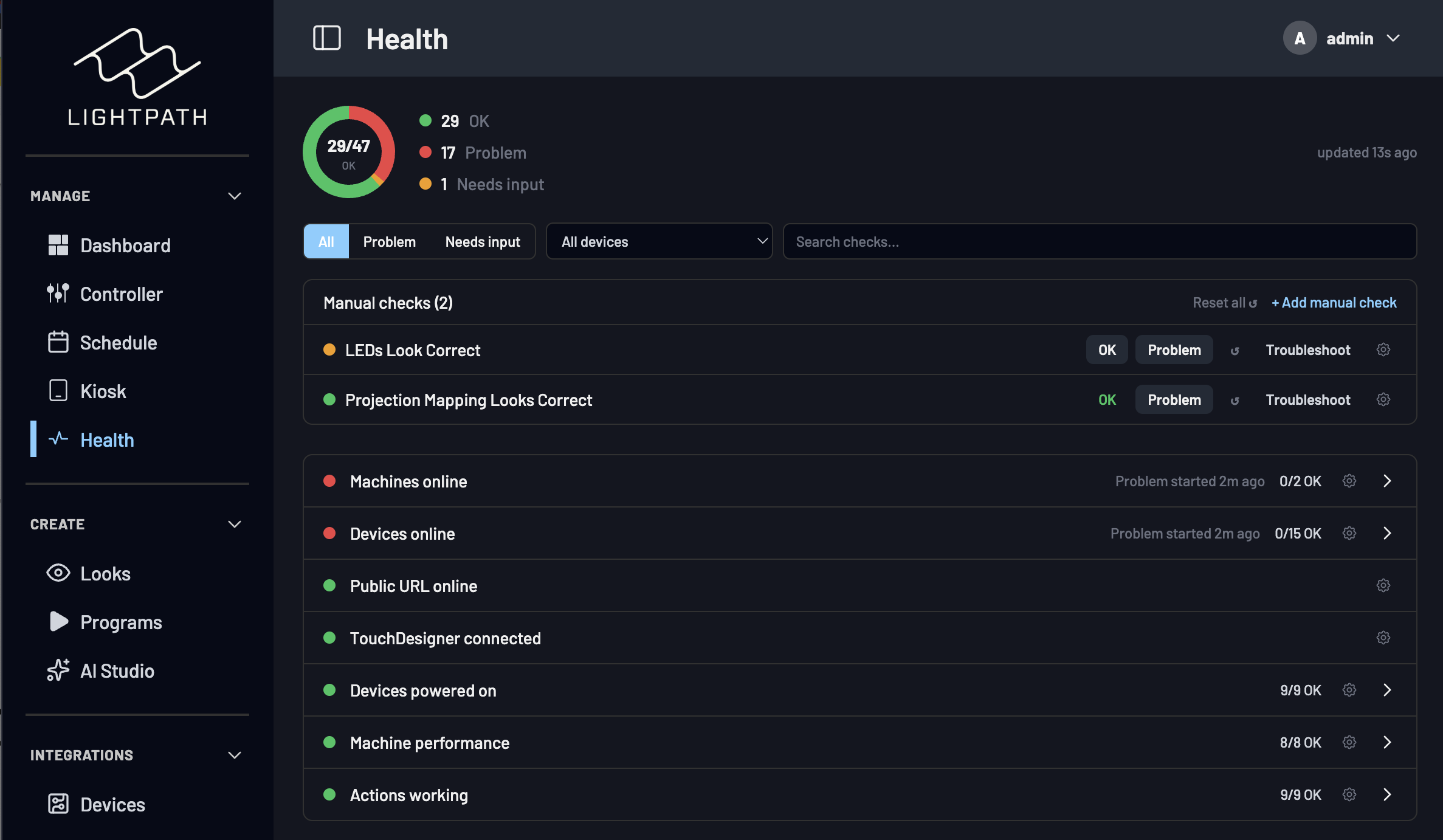
Centralized fleet dashboard
online/offline, health, current draw, voltage, temperature, eFuse status, network info, performance.
-
Remote monitoring
catch issues without a truck roll.
-
Automated alerts
controller offline, output faults, eFuse trips, comms failures.
-
Firmware management
track and deploy versions across the fleet.
Proof
Digital Ambiance is an authorized Advatek distributor and uses PixLite® in its own installs.